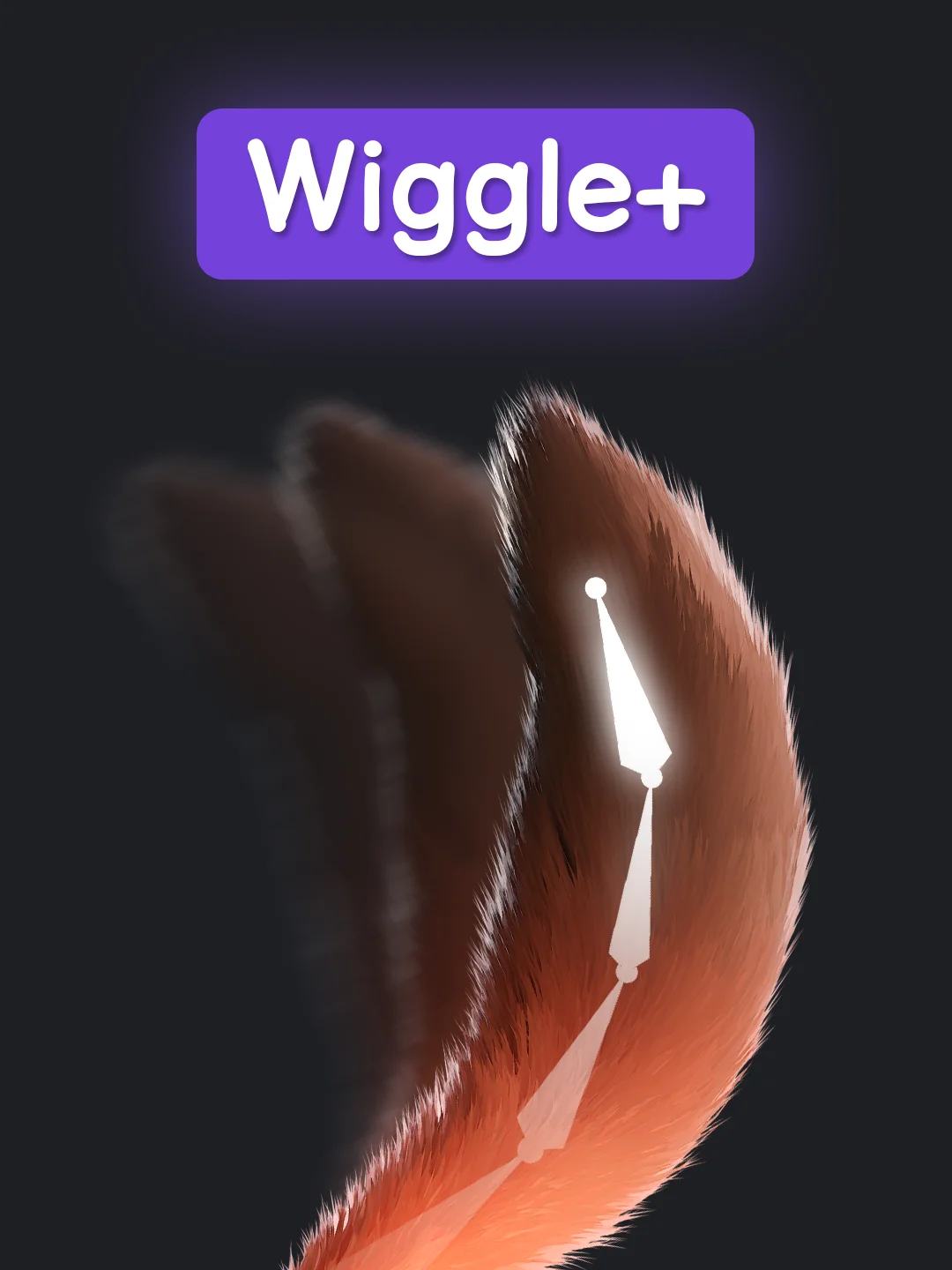
Wiggle+
Bring your rigs to life with natural secondary motion.
Wiggle+ adds responsive bone physics to Blender, so ears, tails, hair chains, capes, straps, and loose accessories can move naturally while you animate. Enable physics on a pose bone, press play, and bake the result to clean keyframes when you are ready.
Hybrid XPBD Solver
Under the hood, Wiggle+ features a hybrid solver. This engine combines the benefits of state-of-the-art XPBD (Extended Position-Based Dynamics) with artistic control, delivering highly accurate bone physics and stable real-time simulation while keeping the motion directable.
Intuitive Interface
Wiggle+ is designed with a clean, Blender-native layout. Everything is where you expect it to be, making Wiggle Bone setup fast and straightforward.
Smart Collisions
Bones interact realistically with your character's body and scenery. Wiggle+ supports direct mesh collisions, allowing bones to bump into complex character geometry or floors automatically.
Chain Dynamics
Fine-tune long bone chains with dedicated controls. Customize how movement propagates through multi-segment chains, keeping long bones like tails or hair stable and natural.
Preset Library
Save and reuse your custom physics setups with ease. Store presets locally within your project or save them to a global library to quickly apply your favorite physics settings across different Blender files and character rigs.
Wind Forces Support
Wiggle+ integrates directly with Blender's native Wind Force Fields. Wind forces act as physical accelerations scaling with the object's wind strength, direction, and bone mass, letting capes or banners blow naturally.
Frame Step Control
Run the physics simulation on every frame, every second frame, or any custom interval. This is perfect for stylized animations (such as animating on twos) or matching the physics feel to a stepped animation style.
Clear & Safe Baking
Convert your viewport simulation into standard animation keyframes. This works to bake physics directly into regular keys, with options to warm up the simulation or manage your action stack.
Stability & Performance Optimization
Wiggle+ is highly optimized to use your PC's hardware resources efficiently, processing calculations only when and where they are actually needed. This works to keep the viewport fast, responsive, and stable even in complex scenes.
- Ears, tails, and creature appendages
- Hair-like bone chains
- Loose straps, ribbons, and accessories
- Capes and cloth-like rig details
The workflow is very simple:
- Select a pose bone.
- Enable Wiggle Bone.
- Press play.
- Adjust the feel only when you need more control.
- Bake the motion into regular animation keyframes.
You will receive:
wiggle_plus.zip- the installable Blender extension package.
Method 1: Drag & Drop (Easiest)
Simply drag the downloaded wiggle_plus.zip file from your file explorer and drop it anywhere into Blender's viewport, then click Install in the popup confirmation dialog.
Method 2: Manual Installation
- Open Blender and go to Edit > Preferences.
- Click on the Get Extensions tab in the left sidebar.
- Click the arrow/menu icon in the top-right corner of the preferences window and choose Install from Disk...
- Select the downloaded
wiggle_plus.zipfile and click Install.
- Software: Blender 5.1 (Free) or newer
- Hardware: Same as Official Blender System Requirements. Viewport simulation speed scales with your CPU, rig complexity, and the complexity of your collider meshes.
Wiggle+ is released under the GNU General Public License v3.0 (GPL-3.0-or-later).